Golden OTT

Golden IPTV Subscription & Reseller Panel

A clear, device-ready route to personal subscription plans and credit-based reseller tools—backed by practical setup, compatibility and troubleshooting guides.
  • Clear plan details
  • Multi-device guides
  • Responsible-use guidance
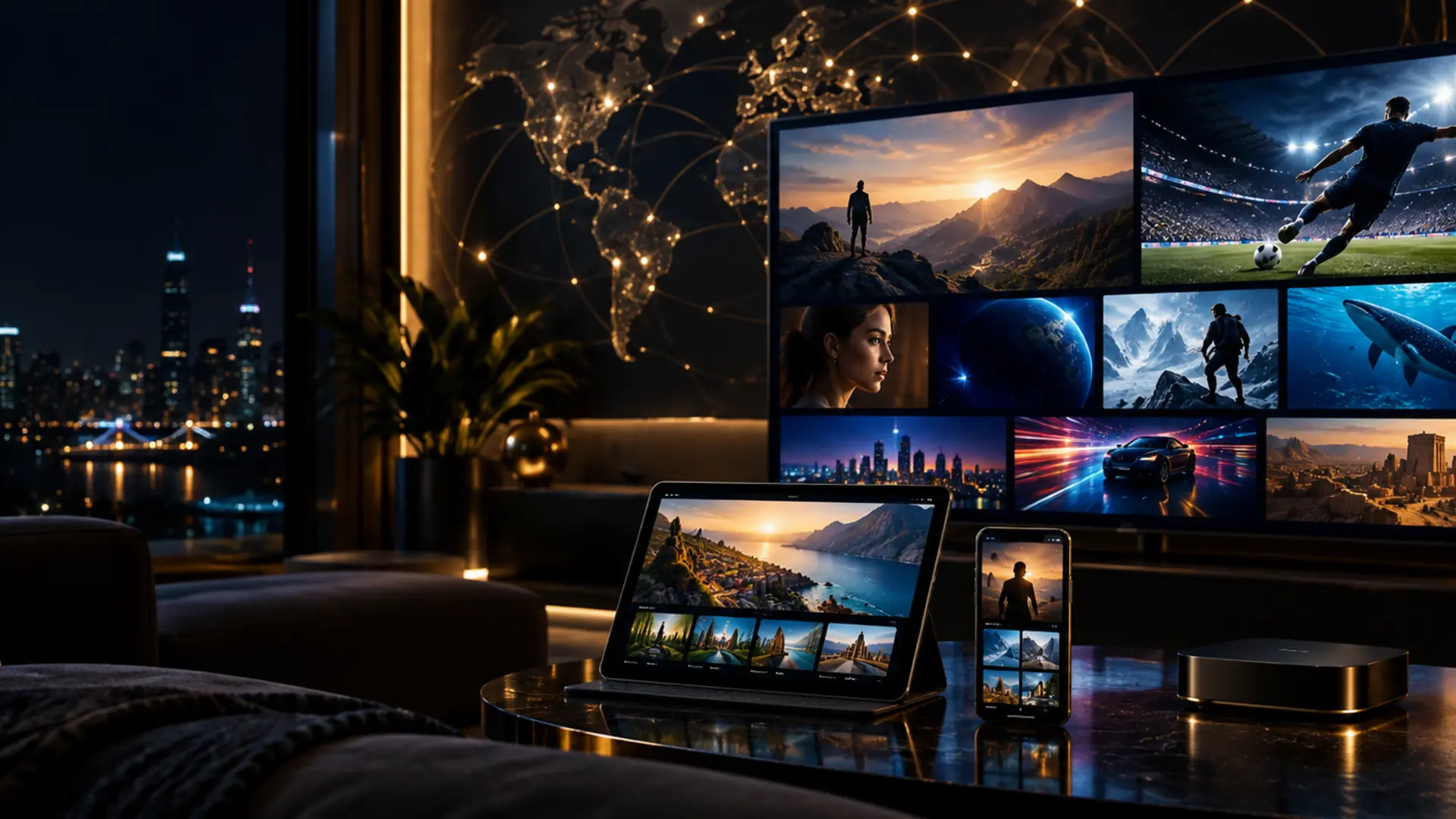
Golden OTT worldwide entertainment setup across TV, tablet and smartphone
Designed for real setupsTV · mobile · desktop
4subscription durations
4reseller credit tiers
16+device families covered
100+practical guide topics
Choose your route

Personal viewing or reseller growth

Start with the job you need to do. The site keeps plan selection, setup and business operations distinct, so the next step stays clear.

4K home cinema screen in a modern living room
A large-screen home cinema environment for 4K-ready viewing.
Built around real questions

A fuller Golden OTT service hub

Every section links to a focused guide, allowing visitors to solve a specific setup, buying or reseller question instead of reading repeated sales copy.

Fast, clear onboarding

A practical order checklist, app-selection advice and device-specific setup path reduce avoidable setup mistakes.

Read the guide

TV-first experience

Guides cover Fire TV, Android TV, Google TV, Samsung, LG, Apple TV, MAG, Enigma2 and Formuler devices.

Read the guide

Worldwide category discovery

Regional guides explain language, timezone, EPG and network considerations without promising unavailable channels.

Read the guide

Live and on-demand navigation

Learn how players separate live TV, movies, series, favourites, search and catch-up when those features are supplied.

Read the guide

Account-safety habits

Protect credentials, use unique passwords, verify order details and avoid sharing screenshots that reveal private account data.

Read the guide

Support-ready troubleshooting

Structured checklists help isolate network, app, device, playlist and account causes before you contact support.

Read the guide

Quality-aware setup

Match resolution to connection stability, screen capability and codec support instead of selecting quality by label alone.

Read the guide

Reseller operations

Credit tiers, customer intake, renewal tracking, support workflows and margin planning in one organised knowledge hub.

Read the guide

Playback controls

Guidance for EPG, language tracks, subtitles, favourites, parental controls and aspect-ratio settings.

Read the guide

Renewal continuity

Understand expiry checks, credential storage, device moves and renewal preparation before service interruption.

Read the guide

Flexible player choice

Compare app features by device and playlist method; Golden OTT does not present third-party players as affiliated products.

Read the guide

Responsible use

Clear terms, availability caveats, legal-use guidance, privacy information and rights-holder contact routes.

Read the guide
Subscription pricing

Pick a duration that matches your needs

All prices are shown in USD. Confirm content, connection limits and device compatibility before payment.

Golden OTT access

1 Month

$8.99 USD

  • One active connection
  • Live and on-demand categories
  • EPG where supplied
  • Setup guidance
  • Device flexibility
Choose 1 Month

Golden OTT access

3 Months

$23.99 USD

  • One active connection
  • Live and on-demand categories
  • EPG where supplied
  • Setup guidance
  • Device flexibility
Choose 3 Months

Golden OTT access

6 Months

$38.99 USD

  • One active connection
  • Live and on-demand categories
  • EPG where supplied
  • Setup guidance
  • Device flexibility
Choose 6 Months

Need a side-by-side view? Open the plan comparison.

Reseller packages

Scale credits at a transparent unit cost

Larger packages reduce the per-credit price. Build your own retail pricing around support time, payment fees, renewals and refund risk—not unit cost alone.

Starter

60 Credits

$1.59 / credit

Package total: $95.40

  • Credit-based activation
  • Reseller panel access
  • Customer-management workflow
  • Onboarding documentation
  • Credit-balance guidance
Choose 60 credits

Growth

120 Credits

$1.49 / credit

Package total: $178.80

  • Credit-based activation
  • Reseller panel access
  • Customer-management workflow
  • Onboarding documentation
  • Credit-balance guidance
Choose 120 credits

Enterprise

600 Credits

$1.29 / credit

Package total: $774.00

  • Credit-based activation
  • Reseller panel access
  • Customer-management workflow
  • Onboarding documentation
  • Credit-balance guidance
Choose 600 credits
Channel and platform categories

A visual category preview

These third-party marks illustrate commonly requested categories. They do not confirm a specific channel, title or event, and no affiliation is implied.

beIN Sports logo shown as a channel-category example
Brand mark shown for category illustration only; no affiliation is implied.
HBO Max logo shown as an entertainment-category example
Brand mark shown for category illustration only; no affiliation is implied.
CBC Sports logo shown as a sports-category example
Brand mark shown for category illustration only; no affiliation is implied.
Disney Plus logo shown as an entertainment-category example
Brand mark shown for category illustration only; no affiliation is implied.
Prime Video logo shown as an entertainment-category example
Brand mark shown for category illustration only; no affiliation is implied.
Netflix logo shown as an entertainment-category example
Brand mark shown for category illustration only; no affiliation is implied.
Sky Sports logo shown as a sports-category example
Brand mark shown for category illustration only; no affiliation is implied.
FIFA Club World Cup promotional category artwork
Brand mark shown for category illustration only; no affiliation is implied.
Apple TV Plus logo shown as an entertainment-category example
Brand mark shown for category illustration only; no affiliation is implied.
AMC logo shown as a channel-category example
Brand mark shown for category illustration only; no affiliation is implied.
Arte logo shown as a channel-category example
Brand mark shown for category illustration only; no affiliation is implied.
Canal Plus logo shown as a channel-category example
Brand mark shown for category illustration only; no affiliation is implied.
beIN Sports logo shown as a channel-category example
Brand mark shown for category illustration only; no affiliation is implied.
HBO Max logo shown as an entertainment-category example
Brand mark shown for category illustration only; no affiliation is implied.
CBC Sports logo shown as a sports-category example
Brand mark shown for category illustration only; no affiliation is implied.
Disney Plus logo shown as an entertainment-category example
Brand mark shown for category illustration only; no affiliation is implied.
Prime Video logo shown as an entertainment-category example
Brand mark shown for category illustration only; no affiliation is implied.
Netflix logo shown as an entertainment-category example
Brand mark shown for category illustration only; no affiliation is implied.
Sky Sports logo shown as a sports-category example
Brand mark shown for category illustration only; no affiliation is implied.
FIFA Club World Cup promotional category artwork
Brand mark shown for category illustration only; no affiliation is implied.
Apple TV Plus logo shown as an entertainment-category example
Brand mark shown for category illustration only; no affiliation is implied.
AMC logo shown as a channel-category example
Brand mark shown for category illustration only; no affiliation is implied.
Arte logo shown as a channel-category example
Brand mark shown for category illustration only; no affiliation is implied.
Canal Plus logo shown as a channel-category example
Brand mark shown for category illustration only; no affiliation is implied.
Movies and series discovery

Catalogue artwork with useful context

Poster artwork helps visitors understand the on-demand browsing experience. Individual titles may rotate and should never be treated as a permanent availability promise.


Entertainment catalogue poster preview 1
Illustrative catalogue artwork 1; titles and availability can change by region.
Entertainment catalogue poster preview 2
Illustrative catalogue artwork 2; titles and availability can change by region.
Entertainment catalogue poster preview 3
Illustrative catalogue artwork 3; titles and availability can change by region.
Entertainment catalogue poster preview 4
Illustrative catalogue artwork 4; titles and availability can change by region.
Entertainment catalogue poster preview 5
Illustrative catalogue artwork 5; titles and availability can change by region.
Entertainment catalogue poster preview 6
Illustrative catalogue artwork 6; titles and availability can change by region.
Entertainment catalogue poster preview 7
Illustrative catalogue artwork 7; titles and availability can change by region.
Entertainment catalogue poster preview 8
Illustrative catalogue artwork 8; titles and availability can change by region.
Entertainment catalogue poster preview 9
Illustrative catalogue artwork 9; titles and availability can change by region.
Entertainment catalogue poster preview 10
Illustrative catalogue artwork 10; titles and availability can change by region.
Entertainment catalogue poster preview 11
Illustrative catalogue artwork 11; titles and availability can change by region.
Entertainment catalogue poster preview 12
Illustrative catalogue artwork 12; titles and availability can change by region.
Entertainment catalogue poster preview 13
Illustrative catalogue artwork 13; titles and availability can change by region.
Entertainment catalogue poster preview 14
Illustrative catalogue artwork 14; titles and availability can change by region.
Entertainment catalogue poster preview 15
Illustrative catalogue artwork 15; titles and availability can change by region.
Entertainment catalogue poster preview 1
Illustrative catalogue artwork 1; titles and availability can change by region.
Entertainment catalogue poster preview 2
Illustrative catalogue artwork 2; titles and availability can change by region.
Entertainment catalogue poster preview 3
Illustrative catalogue artwork 3; titles and availability can change by region.
Entertainment catalogue poster preview 4
Illustrative catalogue artwork 4; titles and availability can change by region.
Entertainment catalogue poster preview 5
Illustrative catalogue artwork 5; titles and availability can change by region.
Entertainment catalogue poster preview 6
Illustrative catalogue artwork 6; titles and availability can change by region.
Entertainment catalogue poster preview 7
Illustrative catalogue artwork 7; titles and availability can change by region.
Entertainment catalogue poster preview 8
Illustrative catalogue artwork 8; titles and availability can change by region.
Entertainment catalogue poster preview 9
Illustrative catalogue artwork 9; titles and availability can change by region.
Entertainment catalogue poster preview 10
Illustrative catalogue artwork 10; titles and availability can change by region.
Entertainment catalogue poster preview 11
Illustrative catalogue artwork 11; titles and availability can change by region.
Entertainment catalogue poster preview 12
Illustrative catalogue artwork 12; titles and availability can change by region.
Entertainment catalogue poster preview 13
Illustrative catalogue artwork 13; titles and availability can change by region.
Entertainment catalogue poster preview 14
Illustrative catalogue artwork 14; titles and availability can change by region.
Entertainment catalogue poster preview 15
Illustrative catalogue artwork 15; titles and availability can change by region.
Live-event preparation

Plan the network before kickoff

Sports viewing depends on schedule data, source availability, device decoding and local bandwidth. Check the event, update the app and test playback before the start time.

Premier League mark used as a football-category example
Sports mark shown for category illustration only; event availability varies.
UEFA Champions League mark used as a football-category example
Sports mark shown for category illustration only; event availability varies.
Formula 1 mark used as a motorsport-category example
Sports mark shown for category illustration only; event availability varies.
UFC mark used as a combat-sports category example
Sports mark shown for category illustration only; event availability varies.
NBA mark used as a basketball-category example
Sports mark shown for category illustration only; event availability varies.
NFL mark used as an American-football category example
Sports mark shown for category illustration only; event availability varies.
MLB mark used as a baseball-category example
Sports mark shown for category illustration only; event availability varies.
NHL mark used as an ice-hockey category example
Sports mark shown for category illustration only; event availability varies.
Premier League mark used as a football-category example
Sports mark shown for category illustration only; event availability varies.
UEFA Champions League mark used as a football-category example
Sports mark shown for category illustration only; event availability varies.
Formula 1 mark used as a motorsport-category example
Sports mark shown for category illustration only; event availability varies.
UFC mark used as a combat-sports category example
Sports mark shown for category illustration only; event availability varies.
NBA mark used as a basketball-category example
Sports mark shown for category illustration only; event availability varies.
NFL mark used as an American-football category example
Sports mark shown for category illustration only; event availability varies.
MLB mark used as a baseball-category example
Sports mark shown for category illustration only; event availability varies.
NHL mark used as an ice-hockey category example
Sports mark shown for category illustration only; event availability varies.
01

Confirm the schedule

Use the EPG and an independent official event schedule, including timezone.

02

Test the device

Open a normal channel early and confirm video, audio and remote controls.

03

Protect bandwidth

Pause large downloads and use Ethernet or strong 5 GHz Wi-Fi where practical.

04

Know the fallback

Keep a second compatible player available, without starting extra simultaneous streams.

App experience

From login to playback

A player app organises the credentials supplied for an authorized account. The setup guides explain where to enter a playlist URL or Xtream-style login, how to refresh data, and how to protect credentials.
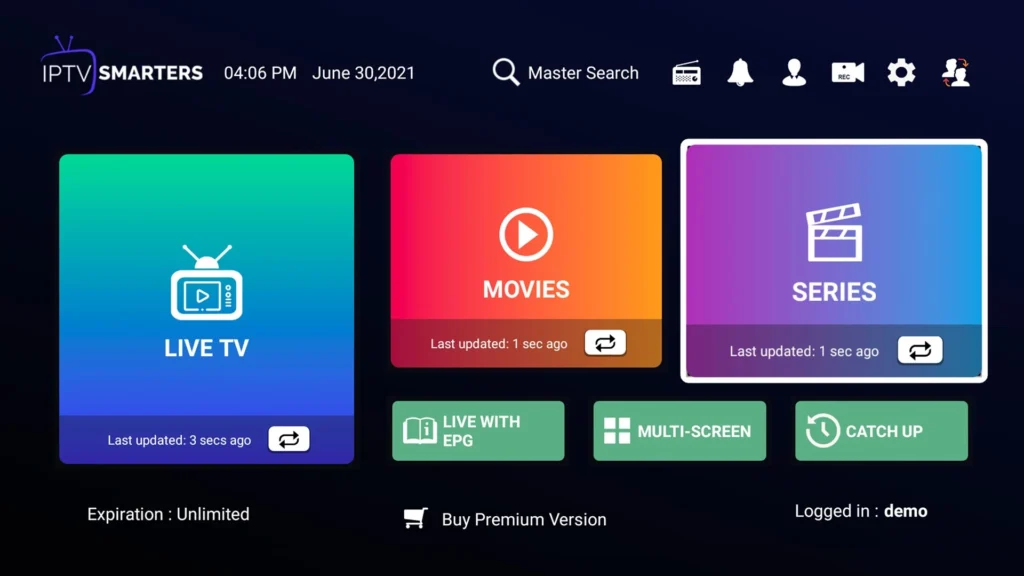
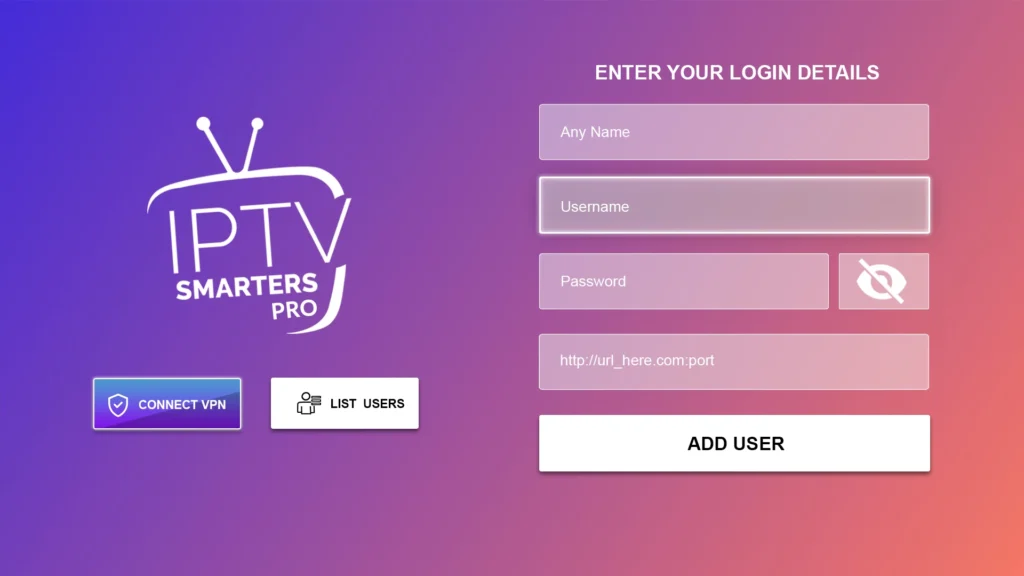
  • Choose a player that supports your device and credential format.
  • Download apps from the device’s official store or verified publisher.
  • Do not post usernames, passwords or server URLs in public screenshots.
  • Keep EPG timezone, decoder and buffer settings documented.
Compare supported app types
Streaming application dashboard with navigation categories
Interface example; layout varies by app and device.
IPTV player login screen with account fields
Interface example; layout varies by app and device.
Streaming application dashboard with navigation categories
Interface example; layout varies by app and device.
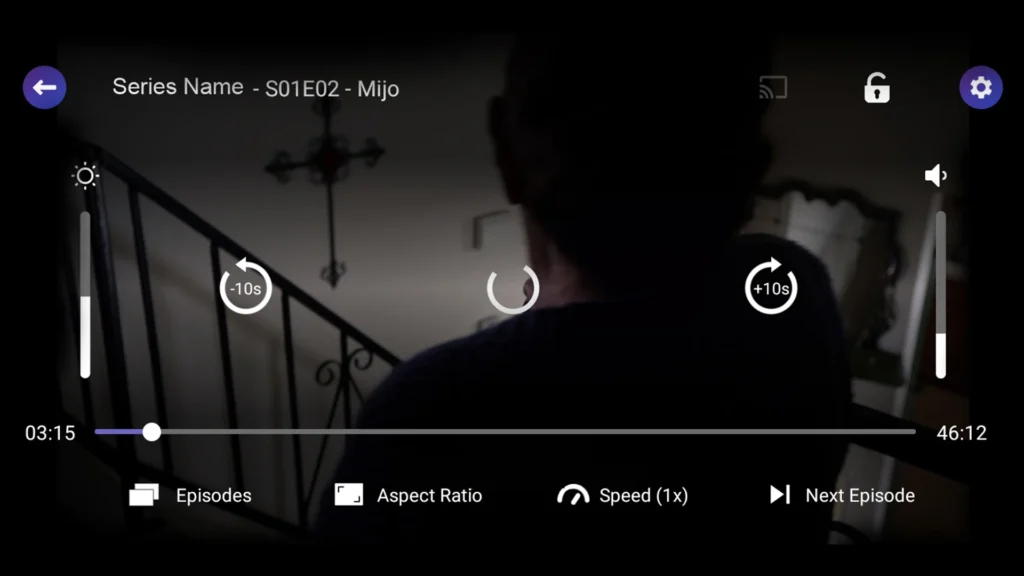
Video player interface during playback
Interface example; layout varies by app and device.
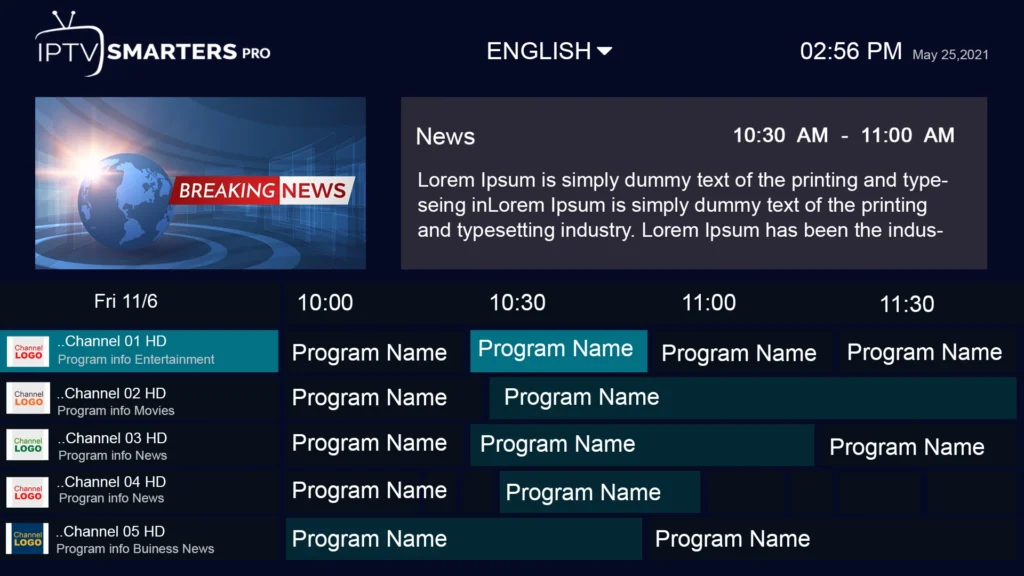
Electronic programme guide grid inside a player app
Interface example; layout varies by app and device.
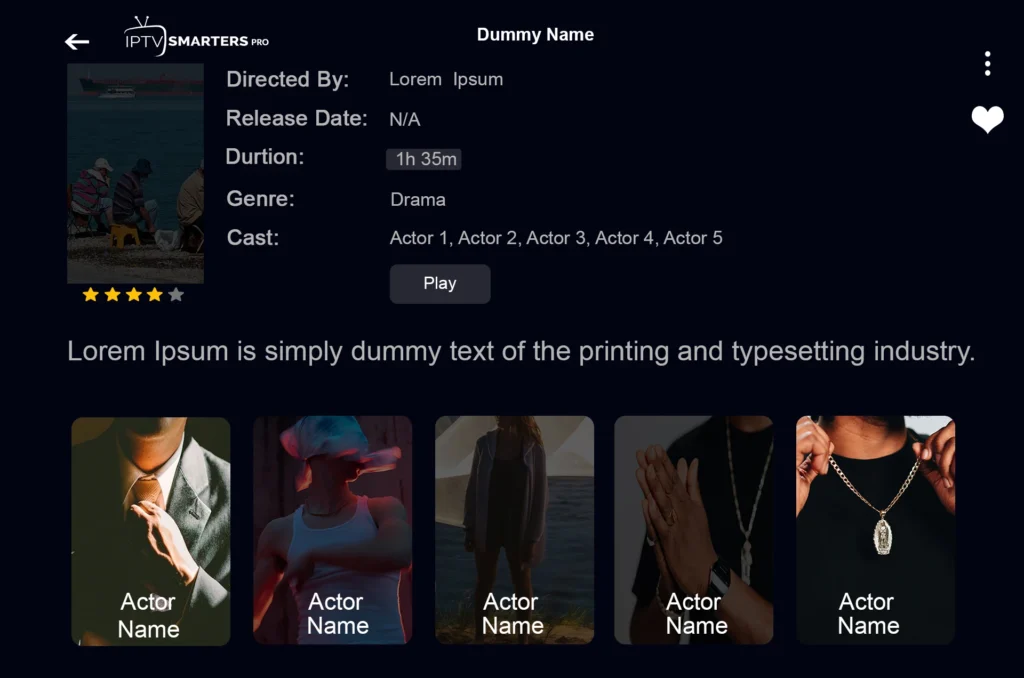
On-demand movie library screen in a player app
Interface example; layout varies by app and device.
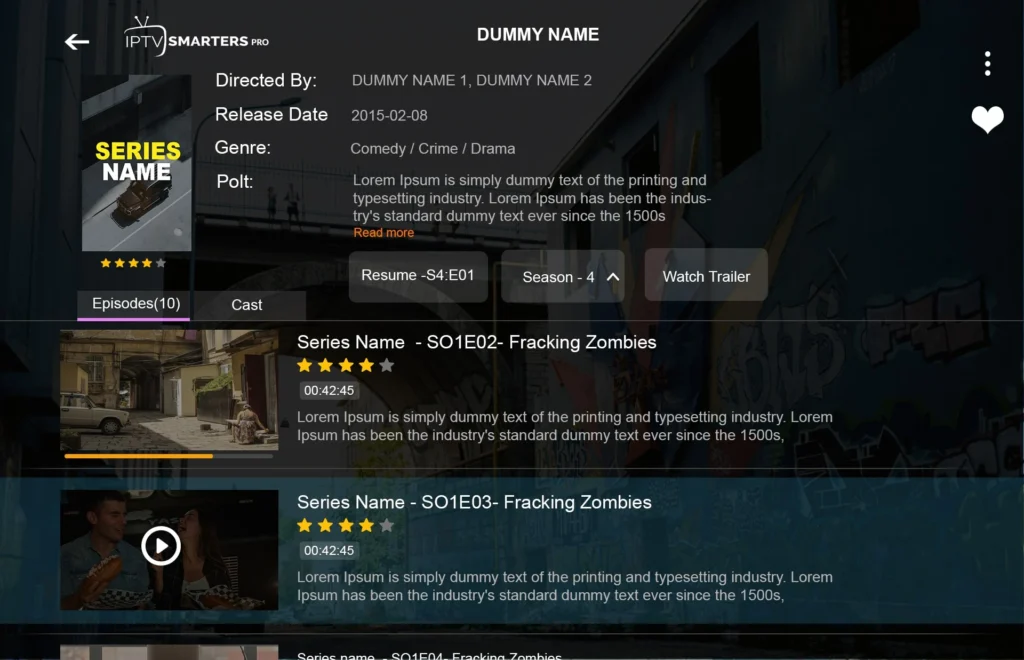
Series information screen with episode navigation
Interface example; layout varies by app and device.
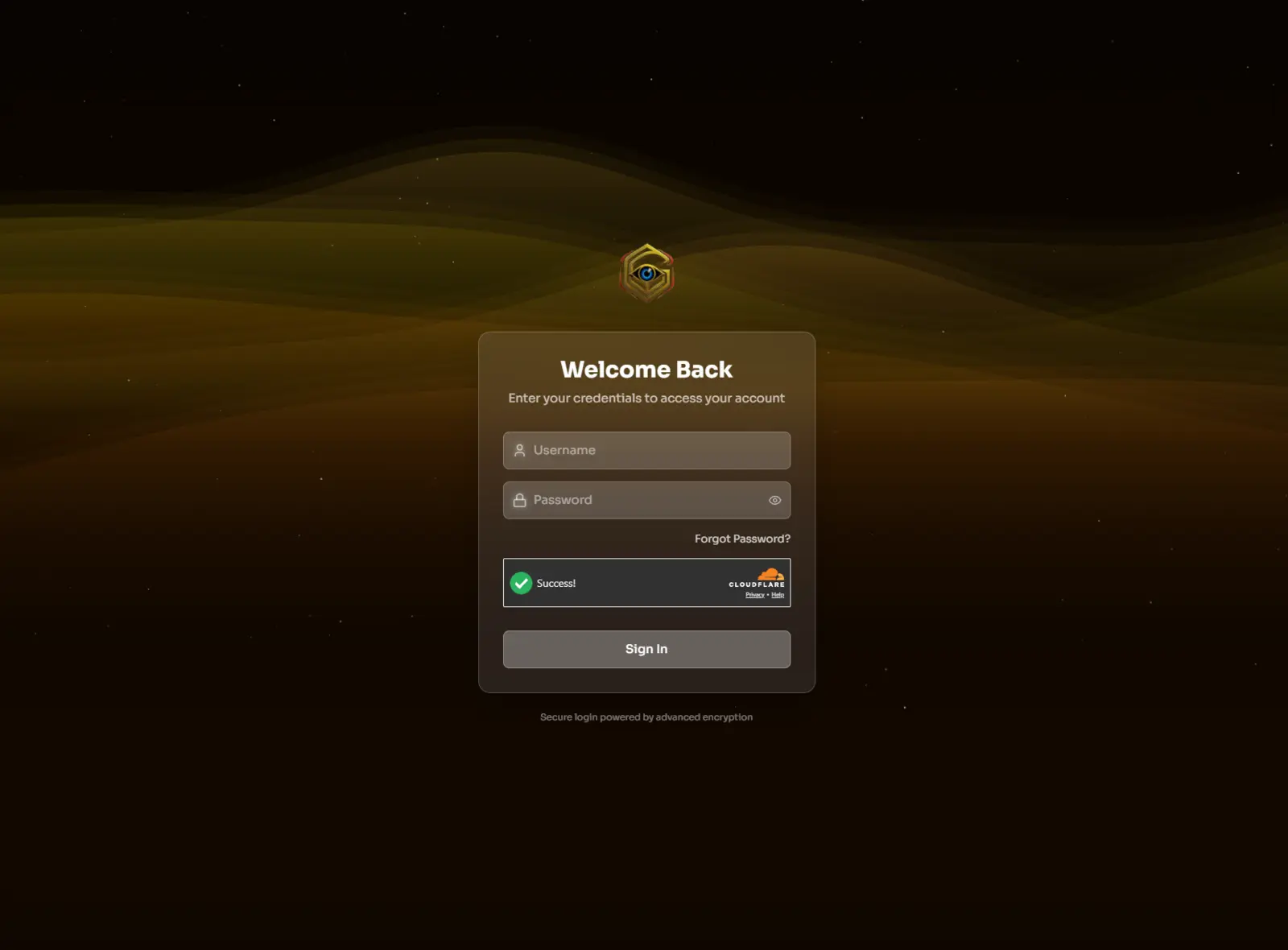
Golden OTT reseller panel login screen with username and password fields
Golden OTT panel sign-in interface shown without customer credentials.
IBOGOLD worldwide server selection screen on a gold world map
IBOGOLD server-selection artwork illustrating a worldwide app interface.
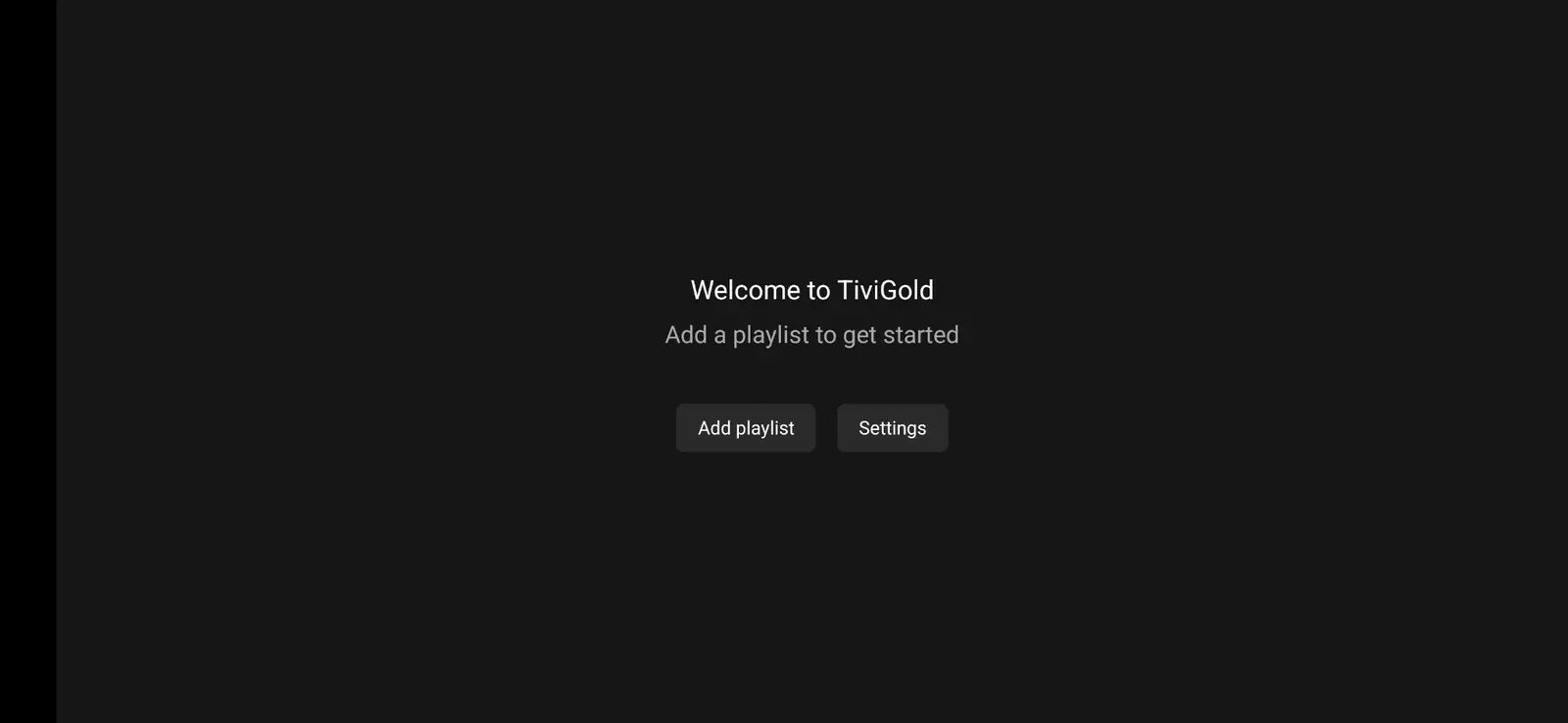
TiviGold welcome screen with add playlist and settings options
TiviGold onboarding screen before an authorized playlist is added.
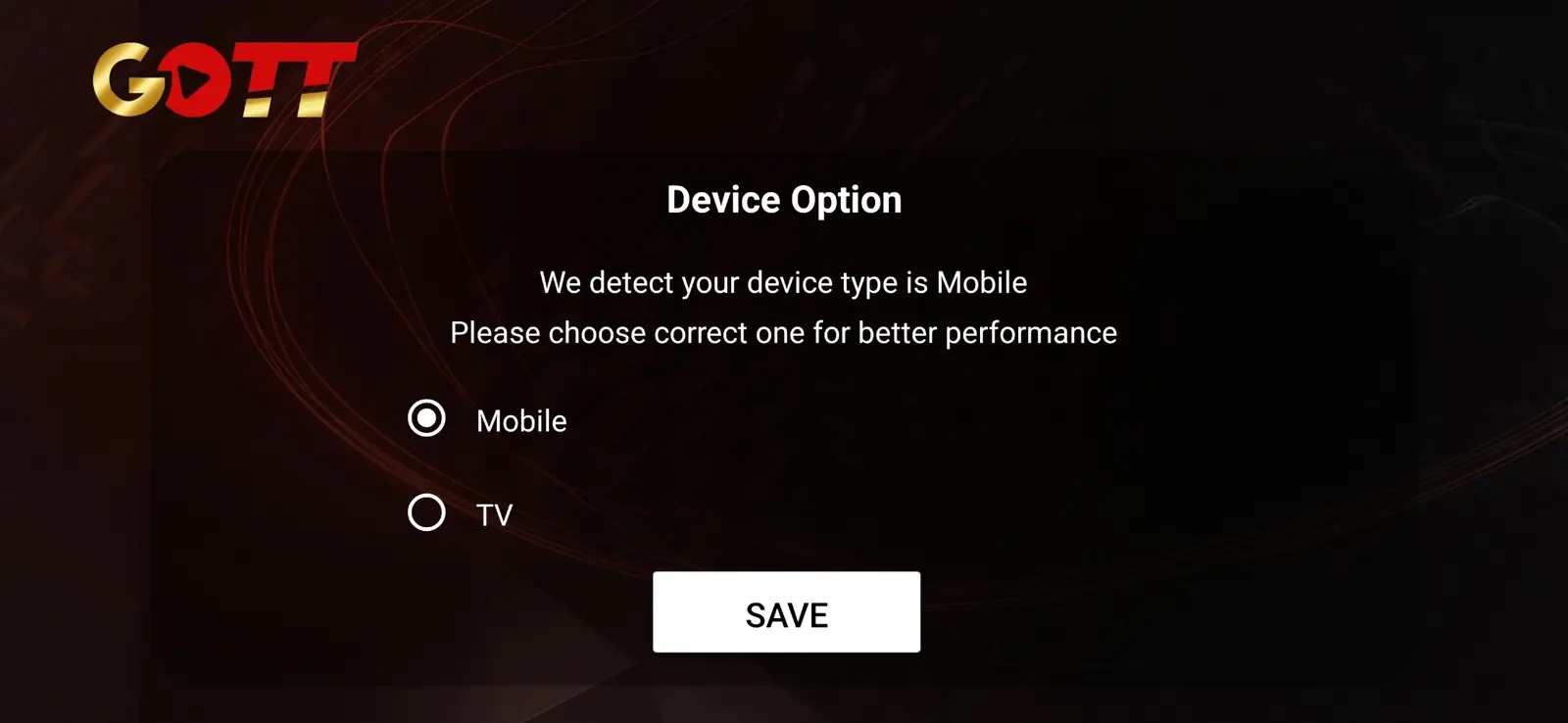
Golden Smart player device selection screen for mobile or television
Golden Smart device-mode selection for mobile and TV layouts.
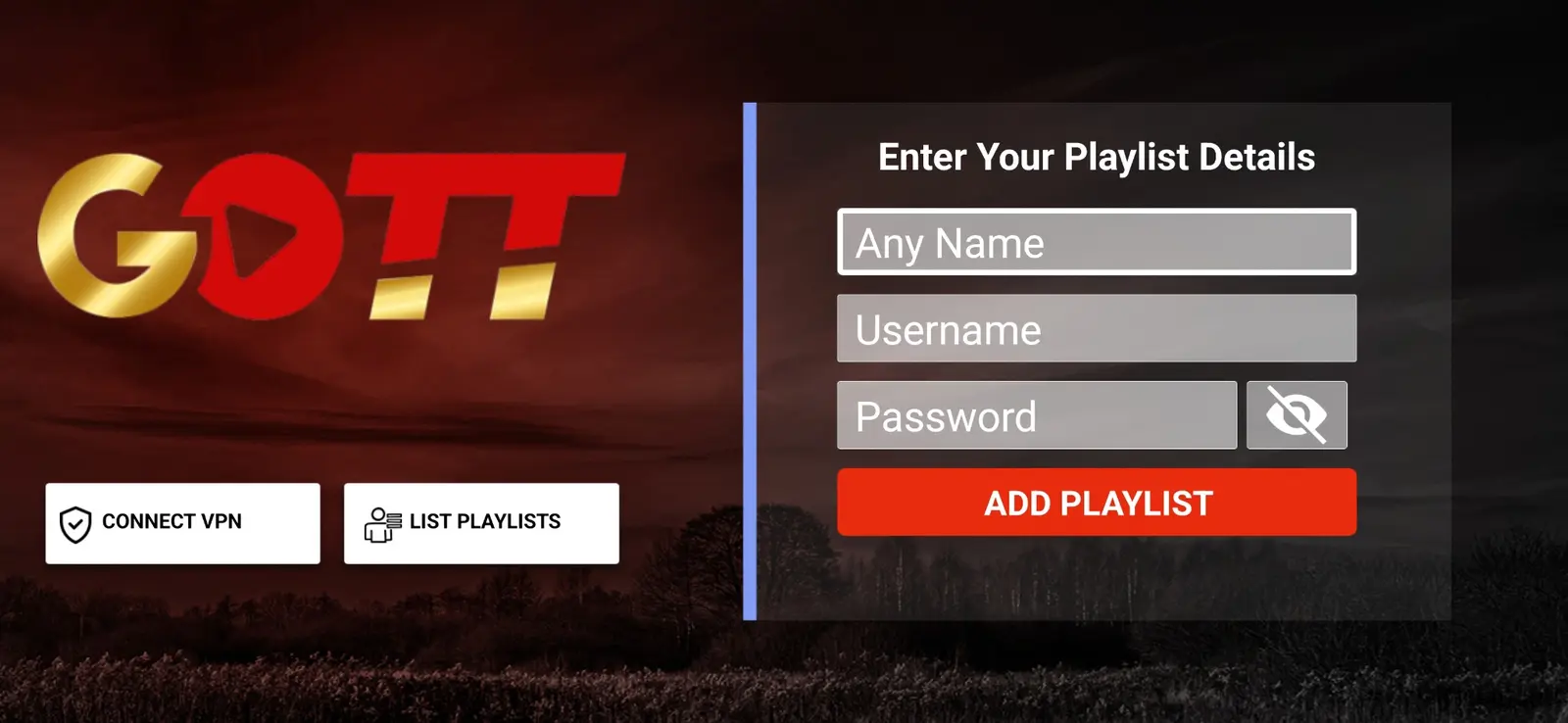
Golden Smart player form for playlist name, username and password
Golden Smart credential-entry layout shown with blank example fields.
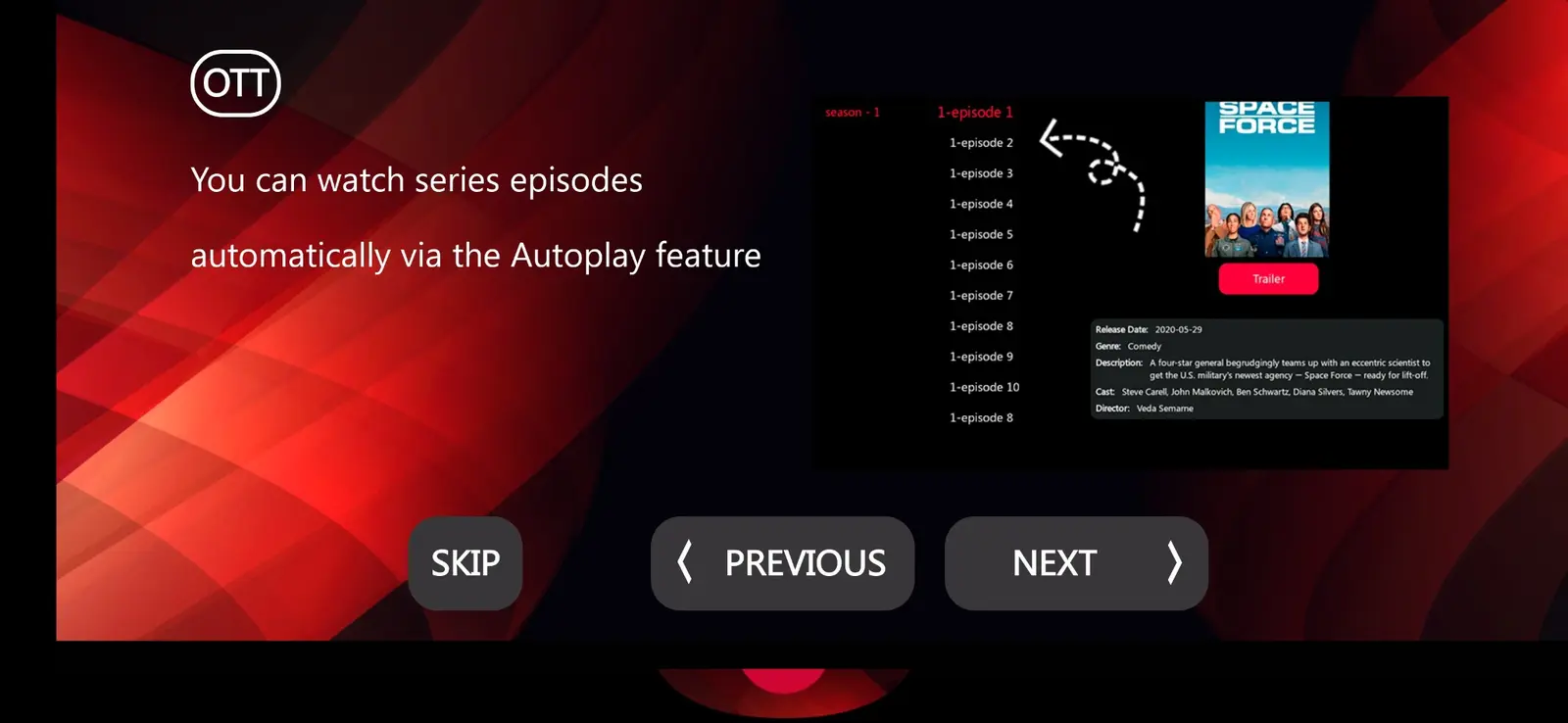
OTT Platinum onboarding screen explaining automatic series episode playback
OTT Platinum walkthrough illustrating series autoplay navigation.
IPTV player login screen with account fields
Interface example; layout varies by app and device.
Streaming application dashboard with navigation categories
Interface example; layout varies by app and device.
Video player interface during playback
Interface example; layout varies by app and device.
Electronic programme guide grid inside a player app
Interface example; layout varies by app and device.
On-demand movie library screen in a player app
Interface example; layout varies by app and device.
Series information screen with episode navigation
Interface example; layout varies by app and device.
Golden OTT reseller panel login screen with username and password fields
Golden OTT panel sign-in interface shown without customer credentials.
IBOGOLD worldwide server selection screen on a gold world map
IBOGOLD server-selection artwork illustrating a worldwide app interface.
TiviGold welcome screen with add playlist and settings options
TiviGold onboarding screen before an authorized playlist is added.
Golden Smart player device selection screen for mobile or television
Golden Smart device-mode selection for mobile and TV layouts.
Golden Smart player form for playlist name, username and password
Golden Smart credential-entry layout shown with blank example fields.
OTT Platinum onboarding screen explaining automatic series episode playback
OTT Platinum walkthrough illustrating series autoplay navigation.
Worldwide setup context

Regional guides without catalogue promises

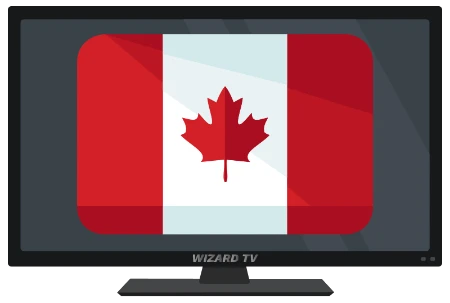
Country and regional pages focus on devices, language, timezone, app-store access and network conditions. A flag indicates geographic context—not guaranteed access to any broadcaster or programme.
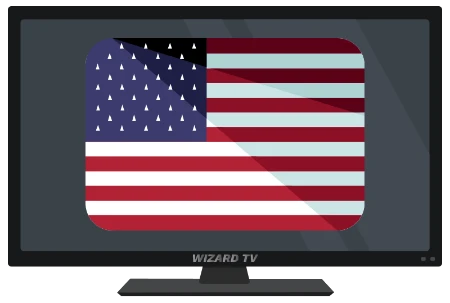
Flag of United States representing regional Golden OTT setup guidance
United States device, language, timezone and network setup context.
Flag of Canada representing regional Golden OTT setup guidance
Canada device, language, timezone and network setup context.
Flag of United Kingdom representing regional Golden OTT setup guidance
United Kingdom device, language, timezone and network setup context.
Flag of Australia representing regional Golden OTT setup guidance
Australia device, language, timezone and network setup context.
Flag of Germany representing regional Golden OTT setup guidance
Germany device, language, timezone and network setup context.
Flag of France representing regional Golden OTT setup guidance
France device, language, timezone and network setup context.
Flag of Spain representing regional Golden OTT setup guidance
Spain device, language, timezone and network setup context.
Flag of Italy representing regional Golden OTT setup guidance
Italy device, language, timezone and network setup context.
Flag of Portugal representing regional Golden OTT setup guidance
Portugal device, language, timezone and network setup context.
Flag of Netherlands representing regional Golden OTT setup guidance
Netherlands device, language, timezone and network setup context.
Flag of Brazil representing regional Golden OTT setup guidance
Brazil device, language, timezone and network setup context.
Flag of India representing regional Golden OTT setup guidance
India device, language, timezone and network setup context.
Flag of United Arab Emirates representing regional Golden OTT setup guidance
United Arab Emirates device, language, timezone and network setup context.
Flag of Argentina representing regional Golden OTT setup guidance
Argentina device, language, timezone and network setup context.
Flag of Mexico representing regional Golden OTT setup guidance
Mexico device, language, timezone and network setup context.
Flag of New Zealand representing regional Golden OTT setup guidance
New Zealand device, language, timezone and network setup context.
Flag of United States representing regional Golden OTT setup guidance
United States device, language, timezone and network setup context.
Flag of Canada representing regional Golden OTT setup guidance
Canada device, language, timezone and network setup context.
Flag of United Kingdom representing regional Golden OTT setup guidance
United Kingdom device, language, timezone and network setup context.
Flag of Australia representing regional Golden OTT setup guidance
Australia device, language, timezone and network setup context.
Flag of Germany representing regional Golden OTT setup guidance
Germany device, language, timezone and network setup context.
Flag of France representing regional Golden OTT setup guidance
France device, language, timezone and network setup context.
Flag of Spain representing regional Golden OTT setup guidance
Spain device, language, timezone and network setup context.
Flag of Italy representing regional Golden OTT setup guidance
Italy device, language, timezone and network setup context.
Flag of Portugal representing regional Golden OTT setup guidance
Portugal device, language, timezone and network setup context.
Flag of Netherlands representing regional Golden OTT setup guidance
Netherlands device, language, timezone and network setup context.
Flag of Brazil representing regional Golden OTT setup guidance
Brazil device, language, timezone and network setup context.
Flag of India representing regional Golden OTT setup guidance
India device, language, timezone and network setup context.
Flag of United Arab Emirates representing regional Golden OTT setup guidance
United Arab Emirates device, language, timezone and network setup context.
Flag of Argentina representing regional Golden OTT setup guidance
Argentina device, language, timezone and network setup context.
Flag of Mexico representing regional Golden OTT setup guidance
Mexico device, language, timezone and network setup context.
Flag of New Zealand representing regional Golden OTT setup guidance
New Zealand device, language, timezone and network setup context.
Latest practical guides

Useful before and after activation

The editorial hub covers buying decisions, device setup, playback quality, account safety and reseller operations.

Independent network links

More streaming resources

Selected external sites from the wider service network are listed for comparison and discovery. Golden OTT does not control their content, prices or availability.

Browse the complete resource directory

Questions answered

Golden OTT FAQ

Straight answers before you set up, buy or resell.

Which devices can I use?

Golden OTT setup guidance covers Fire TV, Android TV, Google TV, Samsung and LG smart TVs, Apple TV, iPhone, iPad, Android phones, Windows, macOS, MAG, Enigma2, Formuler, Nvidia Shield and Chromecast. Compatibility still depends on the app and device model.

Does a subscription include an IPTV player app?

A service subscription and a player app are separate things. Some player apps are free, some require a one-time or recurring licence, and the chosen app must support the credentials or playlist format supplied for your account.

What internet speed should I use?

A stable connection matters more than a peak speed-test result. As a practical starting point, allow roughly 10 Mbps for HD and 25 Mbps or more for a single 4K stream, with additional headroom for other devices on the network.

Can I use more than one screen?

The safe assumption is one active connection unless a plan explicitly states otherwise. Starting too many simultaneous streams can interrupt playback or trigger account limits, so confirm the connection allowance before ordering.

How quickly will setup work?

Activation time depends on order verification and support workload. After you receive approved credentials, most supported apps can be configured in a few minutes by following the matching device guide.

Is every channel or title always available?

No. Channel, event and on-demand availability can change because of source, licensing, region, schedule and maintenance. Review availability with support before buying if a particular category is essential.

Golden OTT updates

Get setup tips without the noise

Occasional device guides, account-safety notes and service updates. No purchased lists.

Live Help